Controls · Northwestern Pennsylvania

Plant automation that holds up on the floor.

Integrate PLC, HMI, drives, sensors, and custom panels. Modifications, updates, bench test, and TeamViewer remote help when you cannot wait for a site visit.

Based in Cochranton Travel across northwestern PA
Allen-Bradley and DirectSOFT RSLogix 500, Studio 5000, DirectSOFT 6
One person, one job You talk to the person who does the work
Platforms MicroLogix / CompactLogix DirectSOFT 6 Studio 5000 PowerFlex VFDs IFM sensors TeamViewer support

What we do

Controls work plants actually need.

New machines, old processors, a far panel that should have been on Ethernet years ago — the job is the same: integrate it, keep it supportable, leave the documentation behind.

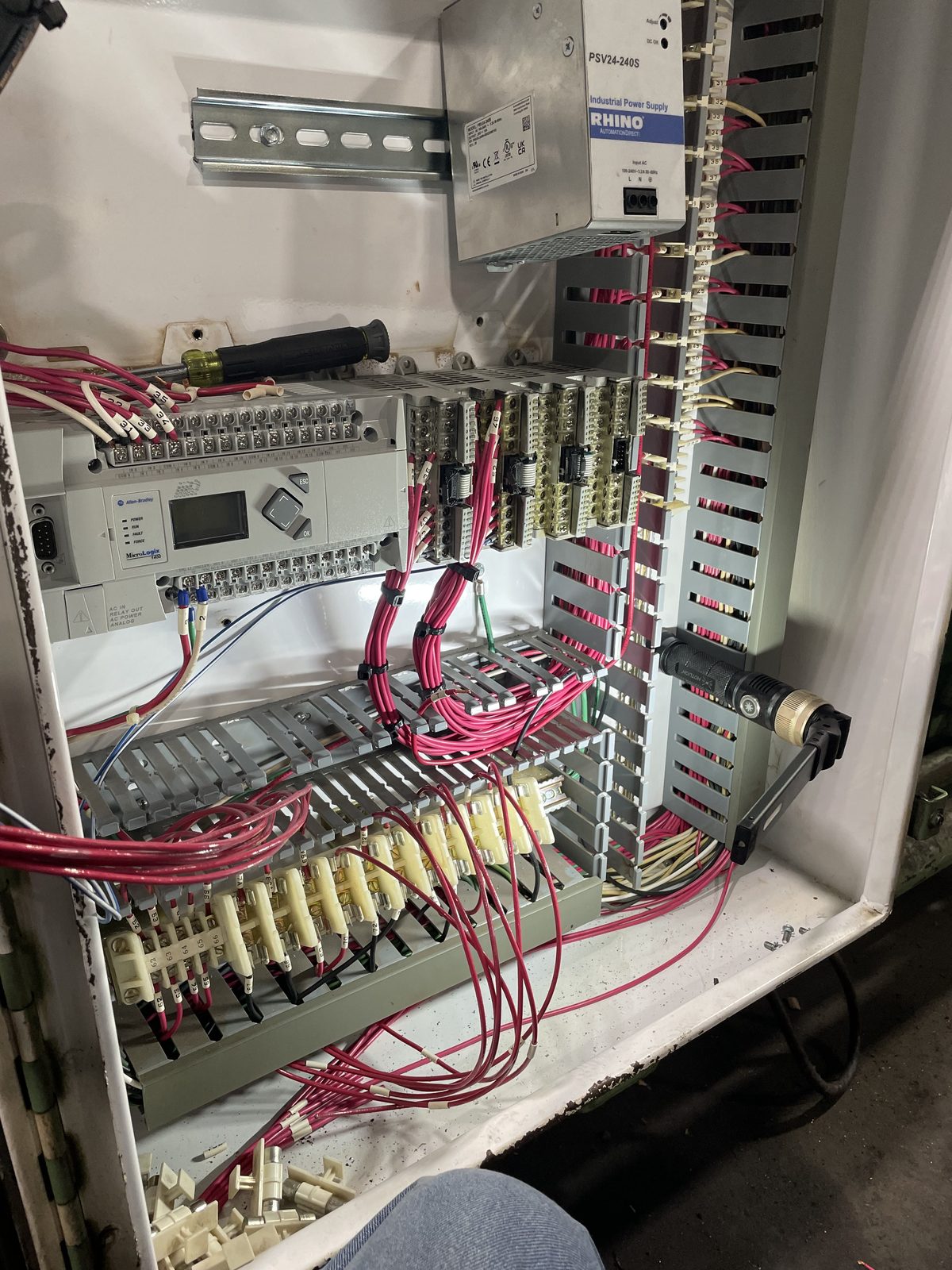
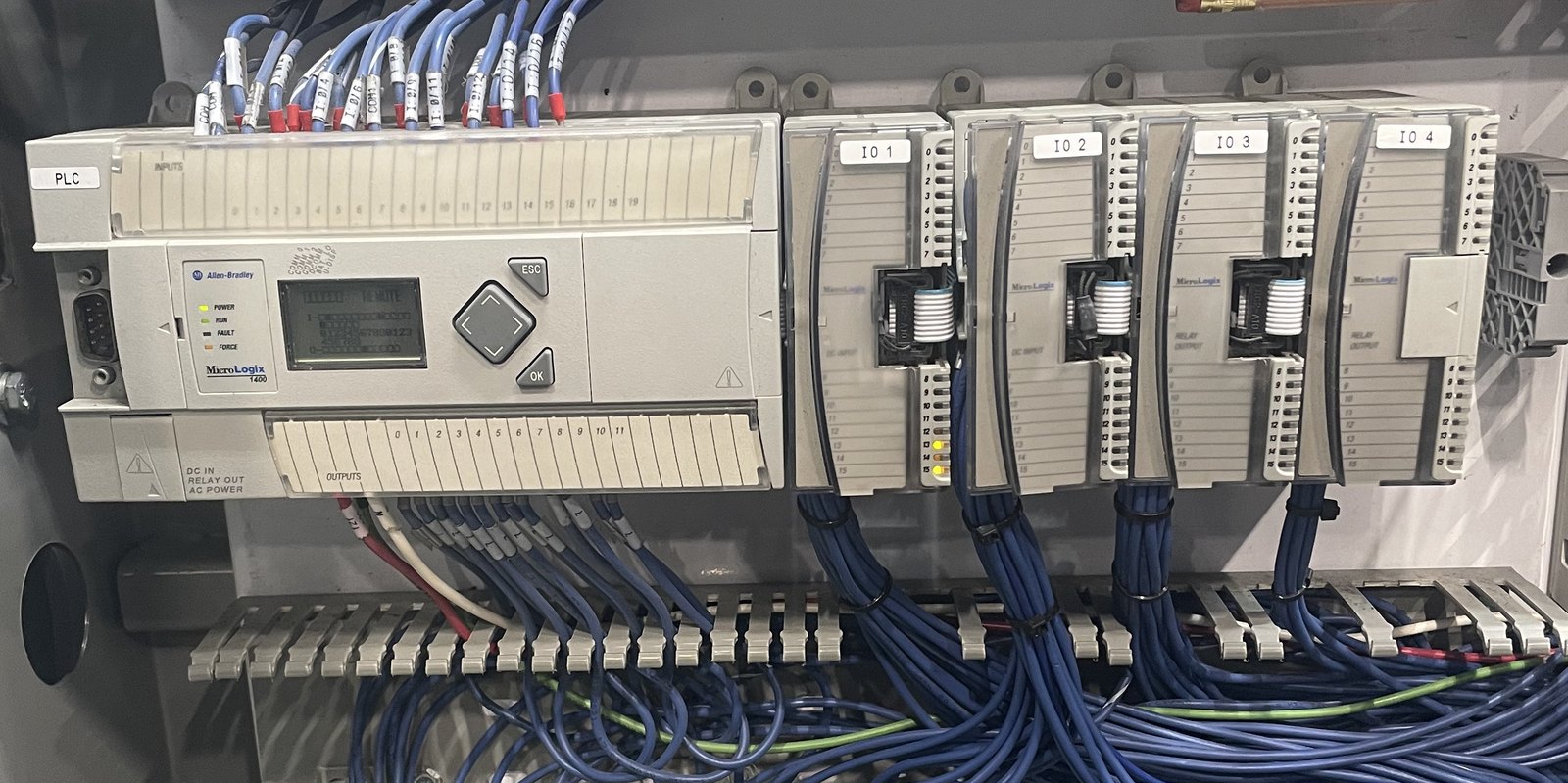
Allen-Bradley MicroLogix 1400 with expansion I/O modules and labeled field wiring.

PLC programming

Ladder and related logic on Allen-Bradley and AutomationDirect processors. New programs, changes to a running line, and clean-up of code nobody wants to touch.

  • MicroLogix 1400, CompactLogix, ControlLogix
  • RSLogix 500 and Studio 5000
  • DirectSOFT 6
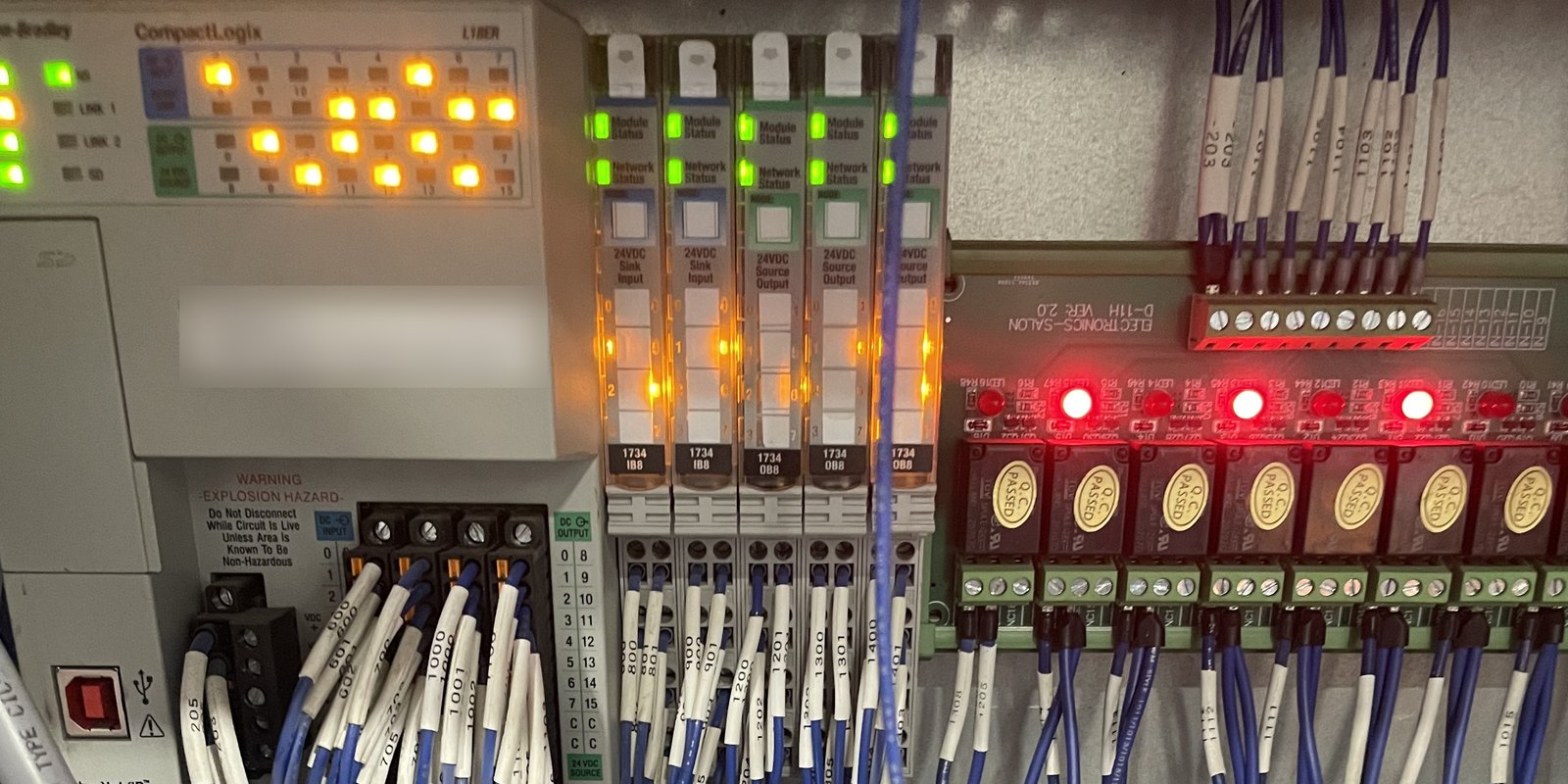
Allen-Bradley CompactLogix with POINT I/O and relay boards in a control panel.

Integrate and custom panels

Make the PLC, HMI, drives, sensors, and remote I/O talk to each other as one machine — not six boxes that almost work. Build and wire custom control panels when the plant needs a clean enclosure, not a rat’s nest.

  • Custom panel layout, build, and wire
  • HMI / PanelView screens
  • Remote I/O, Modbus TCP, EtherNet/IP
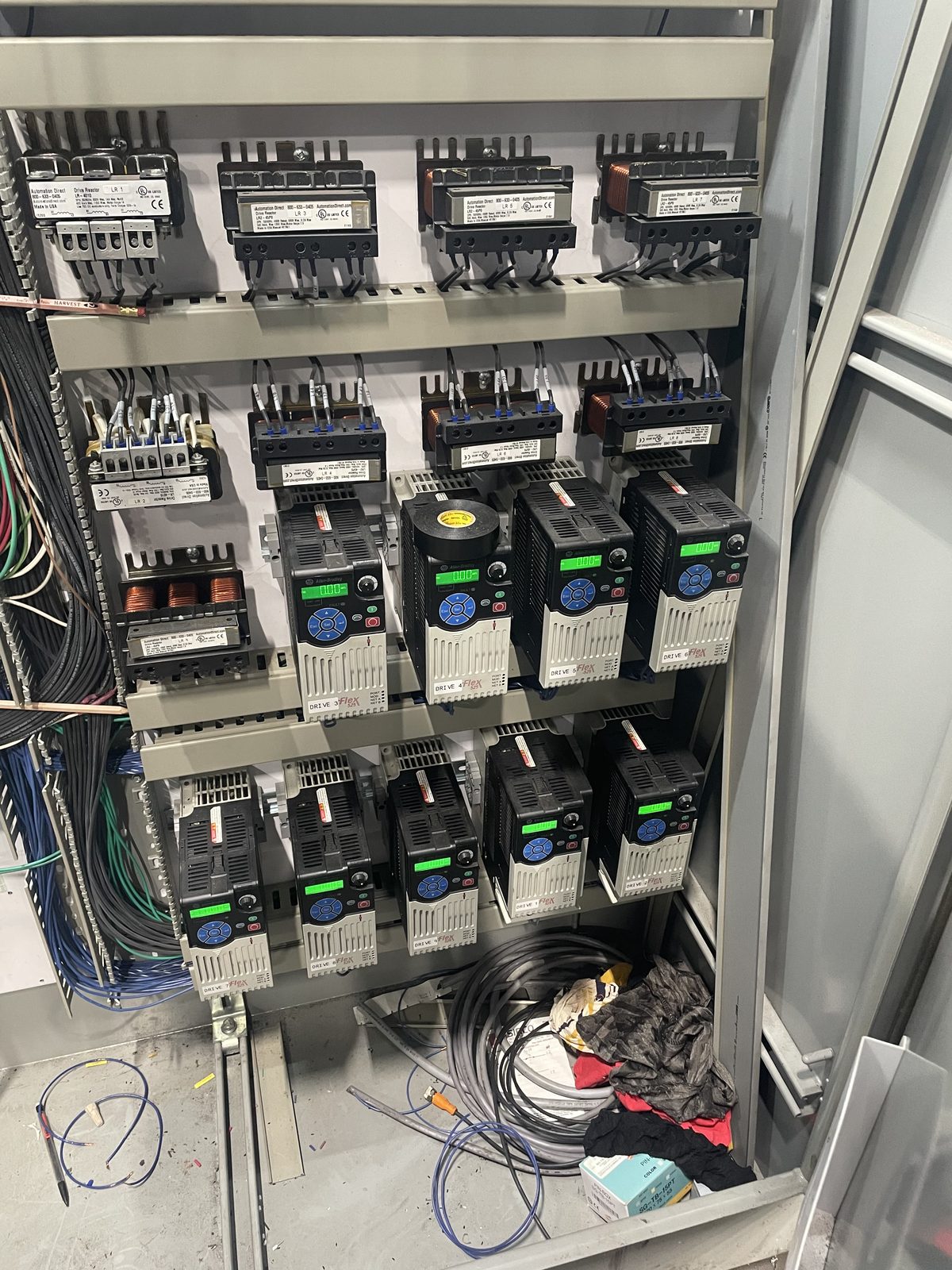
PowerFlex variable frequency drives mounted in a motor control cabinet.

Drives and motor control

VFD setup, scaling, and commissioning — including applications like recoilers, conveyors, and line speed follow.

  • PowerFlex 520-series
  • Speed reference and feedback
  • Fault recovery and parameter backup
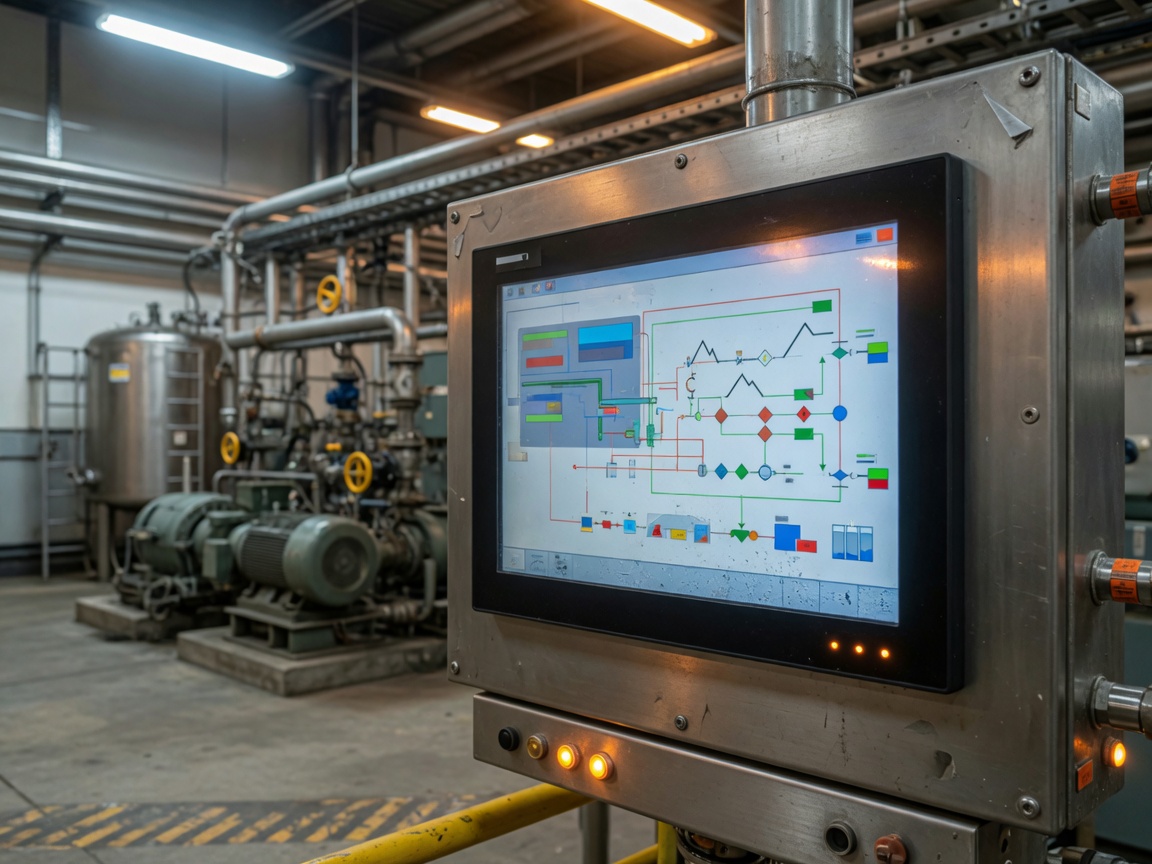
Industrial operator station with a process HMI on a plant floor.

Modifications and updates

The machine already runs. You need a new interlock, a speed change, extra I/O, or a screen the operators will actually use. We change what is there without starting over.

  • Logic and HMI changes on live equipment
  • Add-on I/O and network drops
  • Documented backups before the edit
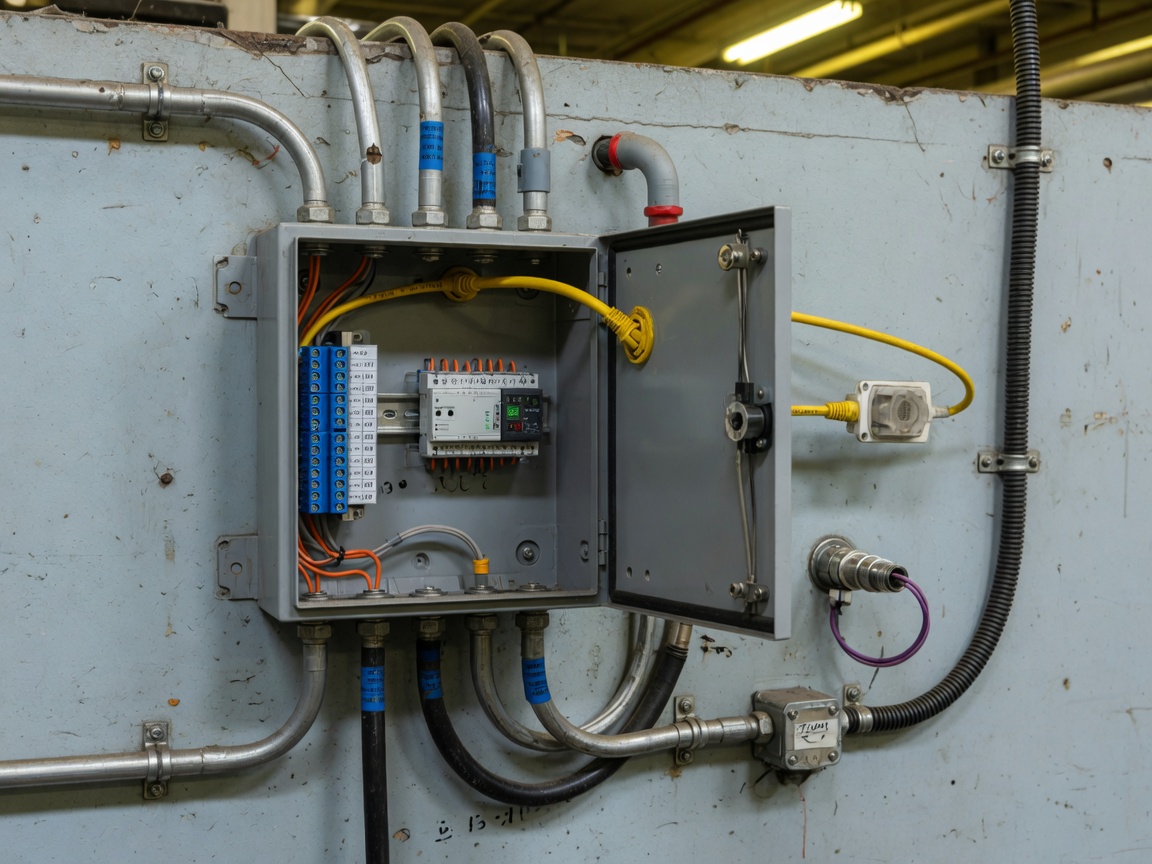
Remote I/O enclosure on a plant wall with Ethernet and field conduit.

Sensors and field I/O

Photoeyes, analog, distance, and 24 VDC devices that have to be honest in the program. IFM, Banner, SICK, Keyence, and similar — plus remote I/O when the home run is too far.

  • IFM, Banner, SICK, Keyence, and similar
  • Scaling, debounce, and fail-safe wiring
  • AutomationDirect Stride remote I/O
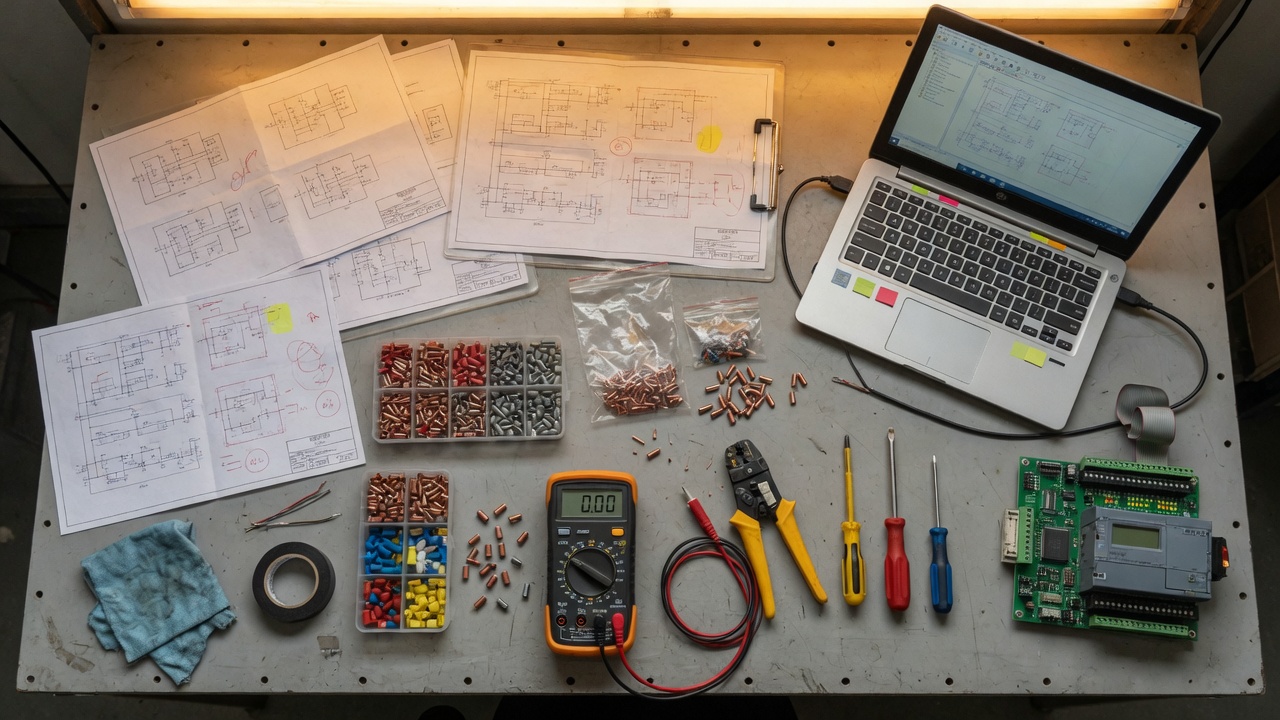
Controls workbench with drawings, a laptop, and a PLC trainer.

Bench test and remote help

Prove the logic on the bench before you cut into production. When the line is down and a visit is hours away, TeamViewer and remote support to get eyes on the processor. AI-assisted diagnostics and documentation when that speeds the handoff.

  • Offline bench test and I/O simulation
  • TeamViewer and remote support
  • AI-assisted diagnostics and documentation

How a job runs

Walk the machine first.

No slide deck. The drawing, the processor, and the operator who has to live with it — that is the starting point.

01

See it running

Site visit or a detailed call. What the machine is supposed to do, what it actually does, and what “fixed” means to you.

02

Map the I/O

Points, voltages, networks, and the spare that is not really spare. The program is only as good as the field list.

03

Build and bench test

Logic, screens, and panels a maintenance tech can follow. Bench-test when we can, so the first time it sees the machine is not a surprise.

04

Commission and leave it

Startup, backups, and a short handoff: how to get in, what to watch, and who to call if it does not behave.

Tools on the truck

Rockwell, DirectSOFT, and the field.

Most of the work is Allen-Bradley. DirectSOFT 6 and field sensors are on the truck too. If your plant still runs RSLogix 500, that is a feature, not a problem.

Processors

MicroLogix 1400, CompactLogix, ControlLogix. DirectLOGIC with DirectSOFT 6. ENI adapters and Ethernet on the older hardware.

Software

RSLogix 500, Studio 5000, RSLinx, FactoryTalk View / PanelView, DirectSOFT 6. Also Connected Components Workbench (CCW), Python, and CANopen when the job needs them.

Field and support

PowerFlex VFDs; IFM, Banner, SICK, Keyence, and similar sensors; 24 VDC I/O; Stride remote I/O. Bench test offline. TeamViewer and remote support when you need eyes on the processor tonight.

Also: Delta, Mitsubishi, Fanuc, Yaskawa, Omron, Schneider, and similar — when that is what the plant already runs.

MicroLogix 1400 control panel during service.

The company

A new name. Not a new skill set.

Lybarger Automation is Andrew Lybarger’s controls practice, based in Cochranton, Pennsylvania. The firm is new. The work is the same work plants already know: integrate the processor, the drives, and the sensors so the machine does what it is supposed to, and do not leave a mess for the next shift.

You get one person who programs it, builds the panel when needed, bench-tests it, commissions it, and answers the phone afterward — including TeamViewer and remote support when a visit is not fast enough. AI-assisted diagnostics and documentation when they help. If a job is bigger than that, we say so before anyone buys hardware.

Cochranton, PA Crawford County and surrounding plants
Direct line (814) 853-8094

Start a job

How can I assist you today?

Tell me about your project or problem. A processor type, a symptom, and a photo of the panel is enough to start. If it is down, call.

This form emails Lybarger Automation. Do not send passwords or program files here — we will set up a better way to transfer those.

Call (814) 853-8094